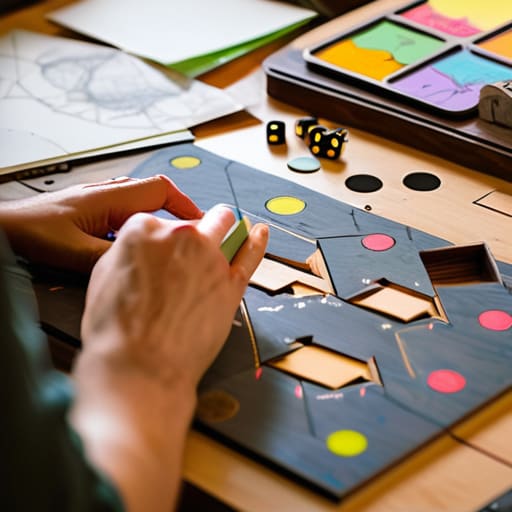
Prototype the Fun Before You Build the Game
I spent six months building a complex, interconnected crafting system for my current project, only to realize during the first playtest that I hadn’t built a feature—I’d built a chore. I had polished the UI, balanced the math, and written the lore, all to discover that the core loop was fundamentally boring. Most people will tell you that prototyping is about efficiency or resource management, but that’s just corporate-speak. The truth is that how prototyping saves time isn’t about hitting a deadline; it’s about preventing you from falling in love with a broken idea. It’s about catching the moment your design starts saying something you didn’t actually intend.
I’m not here to give you a lecture on agile methodology or some sanitized development lifecycle. I’m going to tell you how to fail cheaply. I want to show you how to strip a mechanic down to its ugliest, most basic form so you can see if the “sentence” actually makes sense before you spend a single extra hour on the prose. This is about learning to kill your darlings before they become permanent scars on your codebase.
Table of Contents
Low Fidelity vs High Fidelity Prototypes Finding the Truth Early

When I first started building my own game, I had this habit of trying to make everything look “real” immediately. I’d spend three days tweaking the lighting on a single rock in a test level, thinking I was being productive. In reality, I was just hiding the fact that the movement mechanic felt like walking through molasses. That’s the trap of high-fidelity prototypes; they look so polished that you start believing your own lies. You mistake visual juice for actual fun, and by the time you realize the core loop is broken, you’ve already baked the flaws into a thousand lines of complex code.
The real magic happens when you embrace the ugliness of low-fidelity vs high-fidelity prototypes. I’ve learned that a gray box with a jumping cube tells me more about my game’s soul than a rendered asset ever could. Using gray boxes for user testing early stage allows you to strip away the distractions. If the game isn’t fun when it’s just cubes and spheres, no amount of particle effects will save it. This kind of iterative design process is how you find the truth before you’ve committed to a direction that’s impossible to turn around from.
Using User Testing Early Stage to Kill Bad Ideas
The biggest mistake I see—and one I’ve made more times than I care to admit—is treating user testing like a final exam. You don’t wait until the code is polished and the assets are beautiful to see if the game is actually fun. If you do, you aren’t testing; you’re just asking for a post-mortem. By prioritizing user testing at the early stage, you’re essentially checking if your “sentence” makes sense before you spend six months writing the whole novel. It’s about catching the moment a player looks confused or, worse, bored, before that boredom becomes a baked-in feature of your core loop.
This is where the real magic of the iterative design process happens. I’d much rather spend an afternoon watching a friend struggle with a gray-box level and realize my combat pacing is garbage than spend three months minimizing project rework later only to realize the entire combat system is fundamentally hollow. Early testing isn’t about finding bugs in the code; it’s about finding flaws in your logic. It’s the brutal, necessary process of killing your darlings before they turn into expensive, permanent scars on your project.
Five ways to stop building monuments to your own mistakes
- Stop polishing the UI before you’ve even tested the math. I’ve seen devs spend three weeks on a beautiful, responsive inventory screen only to realize the core loop doesn’t actually need an inventory. Prototyping is about proving the mechanic works, not making it look pretty enough for a Steam capsule image.
- Treat your code like it’s disposable. The biggest time sink is “feature attachment”—when you spend so much time writing clean, scalable architecture for a system that you feel too guilty to delete when testing proves it’s boring. Build it ugly, build it fast, and be ready to burn it down.
- Test the “fun” before you build the “content.” You can hire artists to make a thousand epic swords, but if the combat feels like clicking through a spreadsheet, no amount of high-res textures will save you. Use grey boxes to see if the player’s dopamine levels actually spike when they hit something.
- Isolate the friction points. If you’re building an MMO-lite, don’t prototype the whole world; prototype the trade window. If the social transaction feels clunky in a vacuum, it’ll be a nightmare when you add a thousand players and a fluctuating economy. Solve the micro-problems so they don’t become macro-disasters.
- Use prototypes to find your “competing attention” killers. Every mechanic you build is fighting against the player’s desire to just go watch YouTube or play something else. A prototype tells you immediately if your system is a compelling choice or just another chore that’s going to drive your player count toward zero.
The Cost of Being Wrong
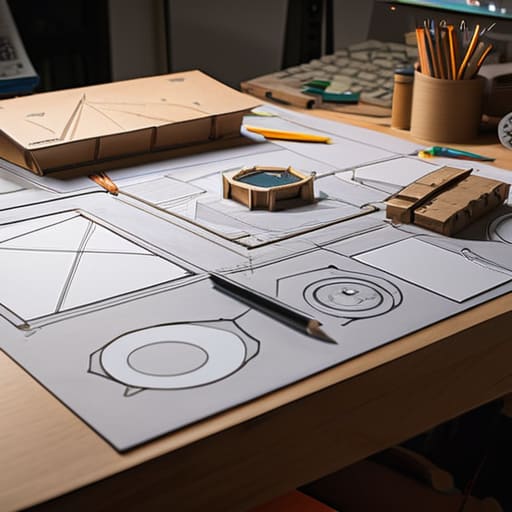
At the end of the day, prototyping isn’t some academic exercise you do to check a box on a development roadmap; it is your primary defense against building a game that people eventually stop playing. We’ve looked at how low-fi mocks stop you from wasting precious art assets on a mechanic that doesn’t even feel good to move, and how early user testing acts as a brutal, necessary filter for the ideas that sound great in a design doc but feel like a chore in practice. If you skip these steps, you aren’t actually saving time—you are just deferring the debt. You’re trading a few weeks of messy, ugly testing now for months of soul-crushing rework later when you realize the core loop is fundamentally broken.
I still trip up. I still spend too long polishing a UI element only to realize the entire underlying system was a mistake. But that’s the thing: the goal isn’t to be perfect, it’s to be efficiently wrong. Every prototype is a chance to fail fast, fail cheap, and most importantly, to learn exactly what your game is trying to say before the players start shouting over it. Don’t be afraid to break your own ideas in a sandbox before you commit them to the engine. Build the ugly version first, find the truth, and then—and only then—start building the game you actually want to play.
Frequently Asked Questions
How do I know when a prototype is "good enough" to stop playing with and actually start building the real thing?
You stop when the prototype stops being a question and starts being a tool. If you’re still tweaking the movement speed just to see if it “feels” right, you’re procrastinating. You’re good to go when the prototype answers the core question: “Is this loop actually fun, or am I just addicted to the dopamine of tweaking variables?” Once the mechanic proves it can hold a player’s attention without the bells and whistles, stop playing and start building.
If I'm a solo dev, how do I prototype without accidentally falling into the trap of over-polishing a mechanic that doesn't even work?
The trap is thinking that because a mechanic feels “good” with a high-res character model, it’s actually fun. It isn’t. It’s just pretty. As a solo dev, your biggest enemy is your own desire to see your work look “real.” Force yourself to use gray boxes and literal cubes. If the movement feels clunky when you’re a gray rectangle, no amount of particle effects or custom animations will save the core loop. If it doesn’t work in gray, don’t bother with color.
Is there a way to prototype social systems or player economies without having a full player base to test them on?
You can’t simulate a crowd, but you can simulate the math that drives them. I usually start with spreadsheets—not the boring accounting kind, but “stress-test” models. If I’m testing a new auction house mechanic, I’m looking at how fast gold moves between hypothetical actors. You can also use “Wizard of Oz” testing: act as the server yourself. Manually trigger events or trade items to see if the social friction feels like fun or just a chore.

